
Introduction
To set a boiler timer, first make sure the clock shows the correct time, then select when you want the heating to switch on and off, and finally put the control into its timed or automatic mode. The exact process varies depending on whether you have a mechanical, digital or programmable control.
If you are learning how to set the timer on boiler systems for the first time, identify the type of control before changing anything. Mechanical timers normally use a rotating dial and pins or segments, while digital and programmable timers use buttons, menus or a display to create a heating schedule. You need support with boiler installation in London, a qualified heating professional can assist with installation, repairs and ongoing maintenance.
What Is a Boiler Timer?
A boiler timer controls when you’re heating, and on some systems your hot water operates. Instead of manually switching the heating on every morning and off again later, you can set periods that match your normal routine.
The timer should not be confused with the thermostat. The timer determines when the heating is scheduled to operate, while the thermostat responds to temperature and controls heating demand according to its setting.
How to Set a Mechanical Boiler Timer
A mechanical boiler timer, sometimes called an analogue timer, usually has a circular clock face covering a 24-hour period. Around the edge are pins, tabs or segments that are used to create scheduled heating periods.
The exact mechanism varies between manufacturers, so check the boiler or timer user manual if the markings are unclear.
1. Check the Boiler Timer Dial
Start by looking at the current position of the dial. Many mechanical controls have a fixed arrow or marker showing the current time.
If the boiler clock is incorrect, carefully rotate the dial in the direction specified by the manufacturer until the current time lines up with the marker.
Check whether the timer uses a 24-hour clock. Avoid forcing the dial backwards unless the manufacturer’s instructions specifically allow it.
2. Set the Boiler Timer Pins
Around the edge of the timer, you may see small pins or movable segments. These divide the day into individual time periods.
Move the appropriate pins or segments to select when you want the heating to operate. For example, you might choose one heating period in the morning and another later in the day.
The position representing “on” varies between controls. Some require pins to be pushed in, while others use the opposite arrangement. Check the markings or user manual rather than assuming which position activates the heating.
3. Select Timer Mode
Once the required periods are set, check the boiler timer switch or mode selector.
Choose the timed, clock or automatic position if you want the heating to follow the schedule you have created. Leaving the control in a constant “on” position can override the programmed periods on some systems.
Monitor the heating around the next programmed time to make sure it responds as expected.
How to Set a Digital Boiler Timer
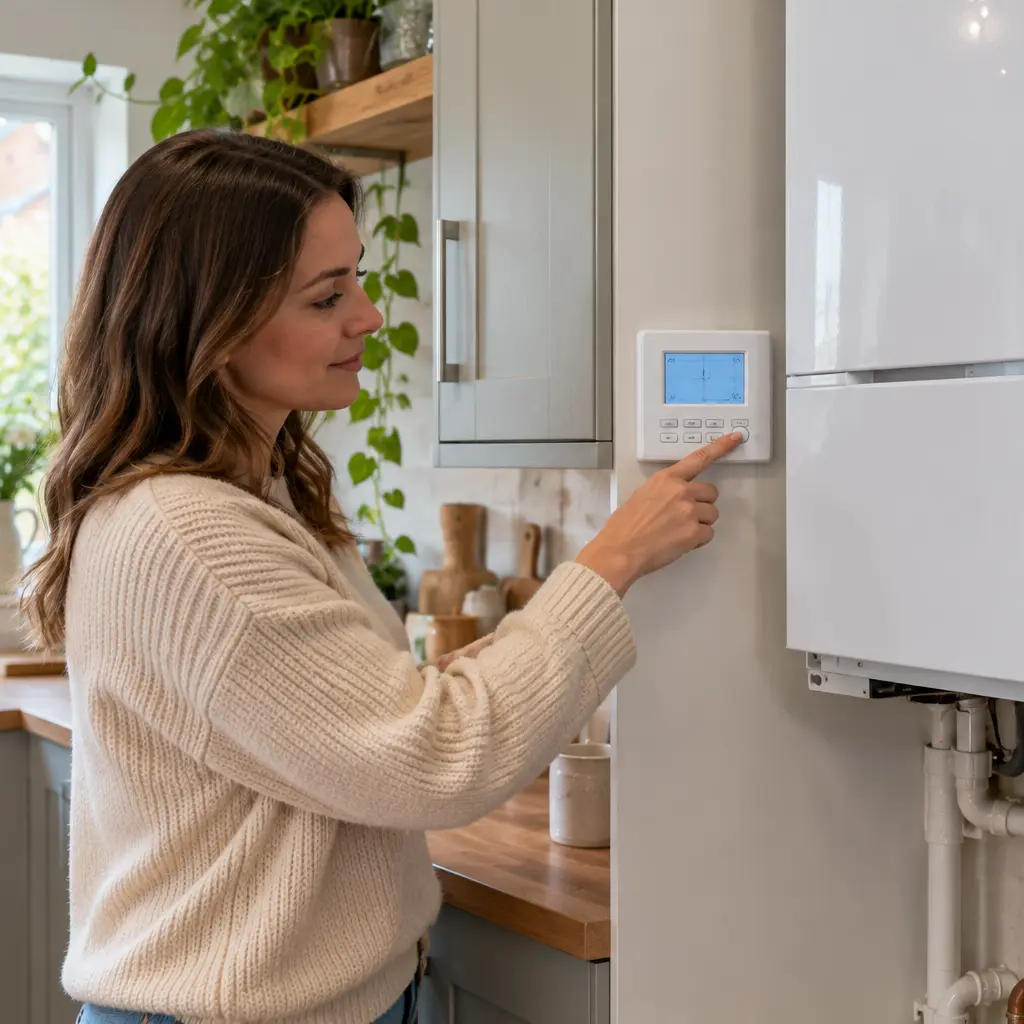
A digital boiler timer uses an electronic display rather than a rotating dial. Depending on the control, you may be able to create different programmes for weekdays, weekends or individual days.
Button names and menus vary considerably, so treat the following steps as a general guide rather than instructions for a particular boiler model.
1. Set the Boiler Date and Time
Begin with the boiler clock settings. Find the clock, time or date option and check that the displayed information is correct.
Some controls use a 24-hour display, while others use AM and PM. Check this carefully because an incorrect AM or PM setting could cause the heating to operate at the opposite time of day.
The correct day can also matter if your control supports different weekday and weekend programmes.
2. Choose the Timer or Schedule Mode
Next, open the timer, programme or schedule function. Depending on the system, this may be labelled Auto, Timed, Programme or something similar.
This tells the heating control to follow programmed periods rather than remaining permanently on or off.
3. Set Your Heating Schedule
Choose the days you want to programme and then enter the required heating on and off times.
Some programmable controls allow one schedule to apply Monday to Friday and another at the weekend. Others allow each day to be programmed individually.
A practical schedule should reflect when the property is normally occupied. The aim is to have heating available when it is useful rather than simply programming long periods because the timer allows them. How early the heating needs to start can also depend on the types of radiators in the home, as some warm up and cool down faster than others.
4. Save and Check the Programme
After entering the schedule, save or confirm the settings if your control requires this step.
Return to the normal display and check that Auto, Timed or the appropriate scheduled mode is active. Otherwise, the times you entered may be stored without currently controlling the heating.
What Do the Different Boiler Timer Settings Mean?
The names and functions below are common examples, but boiler timer settings vary between manufacturers and heating controls. Your system may have only some of these options or may use different terminology.
Once Setting
A Once setting generally runs the heating for one programmed period during the day. You select a start and finish time, and the heating operates according to that period and the other controls in the system.
Twice Setting
Twice usually allows two separate heating periods in one day. A common arrangement is one period in the morning and another later in the day.
The actual start and finish times are chosen by the user where the control supports programming.
All Day Setting
On some controls, All Day operates the heating between the first programmed start time and the final programmed finish time.
24-Hour Setting
The meaning of a 24-hour setting can vary. For some programmers, it means the same schedule is repeated every day. On others, similar wording may refer to continuous operation.
Check the timer instructions before selecting this option because it should not be assumed to mean the same thing on every control.
Timed or Auto Setting
Timed or Auto mode normally tells the heating system to follow the programme stored in the timer.
If you have already entered your preferred schedule but the heating is not following it, checking that the control is actually in the correct timer mode is a useful first step. If the heating does come on at the right time but some radiators stay cold at the top, the timer is working and you may need to bleed a radiator to release trapped air.
Manual Setting
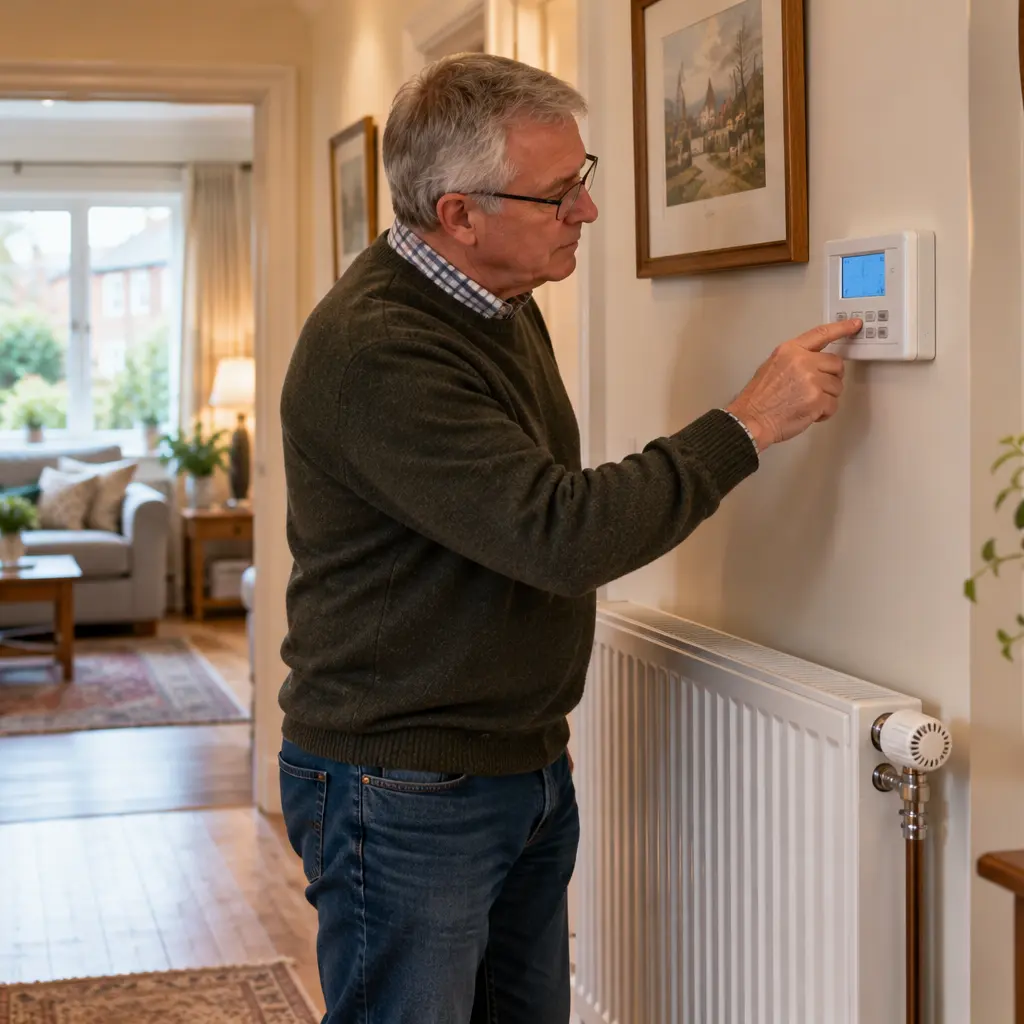
Manual control allows the programmed schedule to be overridden on some systems. Depending on the control, this may allow the heating to remain on or off until you change the setting again.
Boost or Advance Setting
A Boost function usually provides temporary heating outside the normal schedule for a set period. Advance may move the programme to its next scheduled state, although the exact behaviour depends on the control.
Frost Setting
A frost setting is designed to help protect the heating system or property during low temperatures by allowing heating operation under defined conditions.
Conclusion
Knowing how to set the timer on boiler systems involves setting the correct time, choosing your heating periods and selecting the appropriate timed mode. Mechanical timers use dials and pins, while digital controls use electronic schedules.
As controls vary between manufacturers, check your specific instructions if the settings are unclear. For heating control issues in North West London, London Plumbing 247 Ltd can inspect the system and advise on the next step.